An alarm that learns from you.
Wakeprint is an iPhone alarm that learns which sounds work for you, and plays those more often. Version 1.0.4 is out now on the App Store.

Free to download. Wakeprint Pro is an optional subscription.
In one paragraph
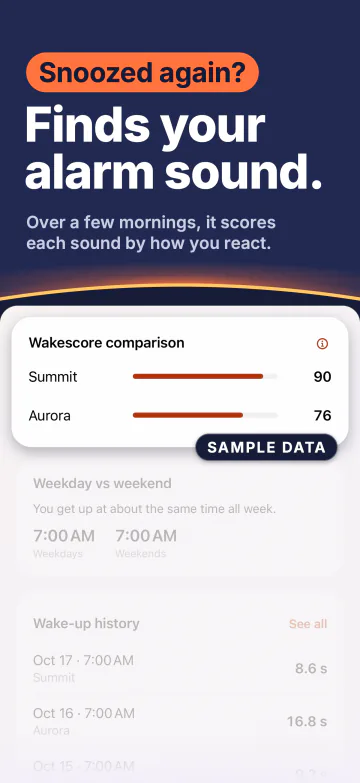
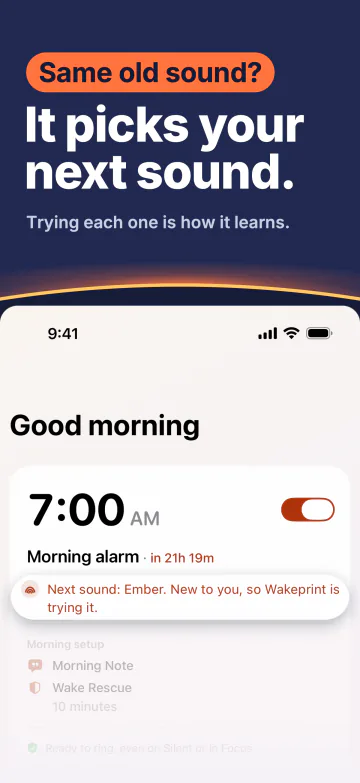
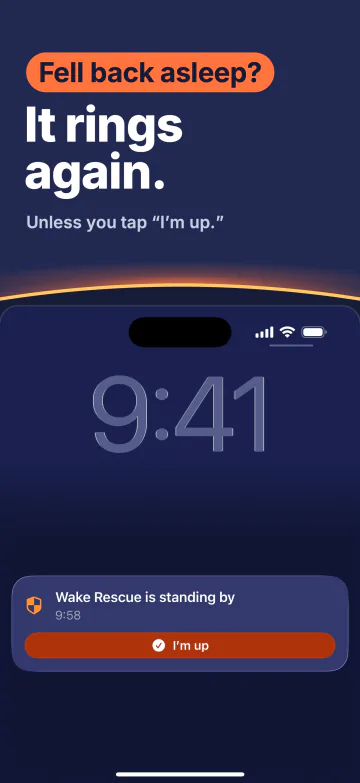
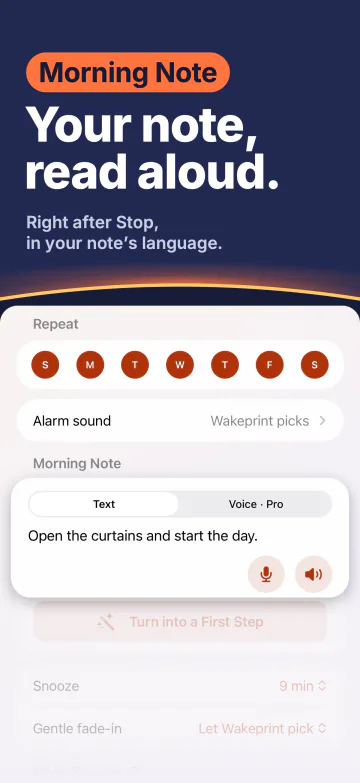
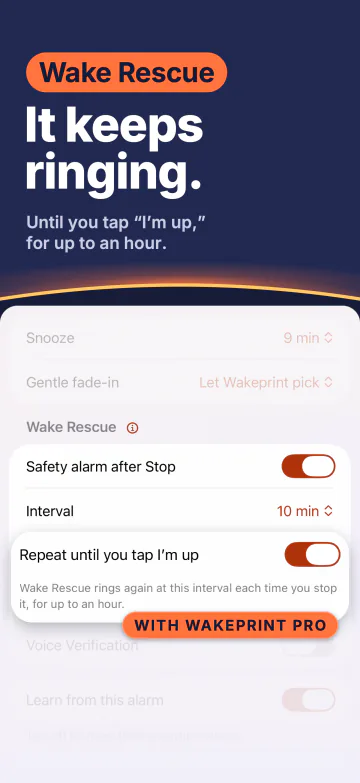
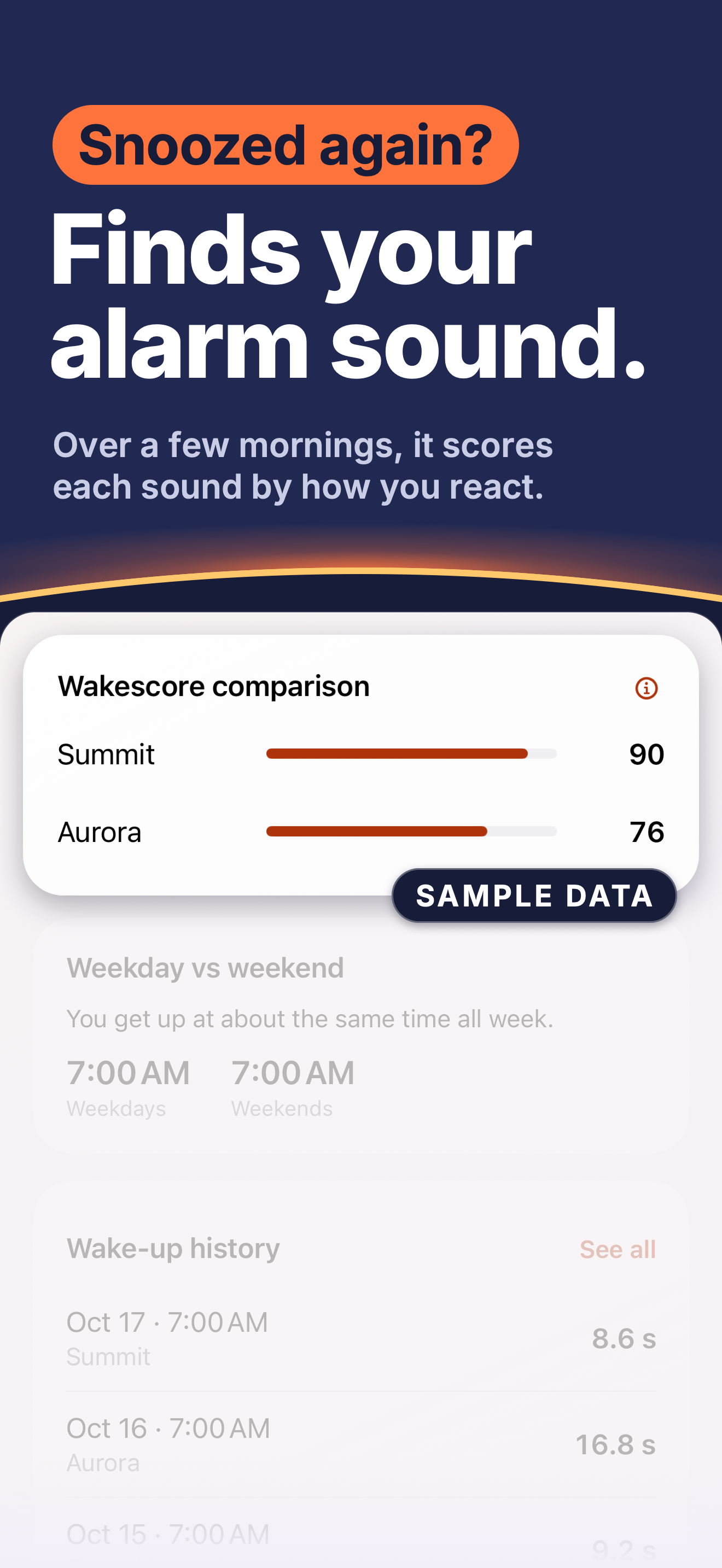
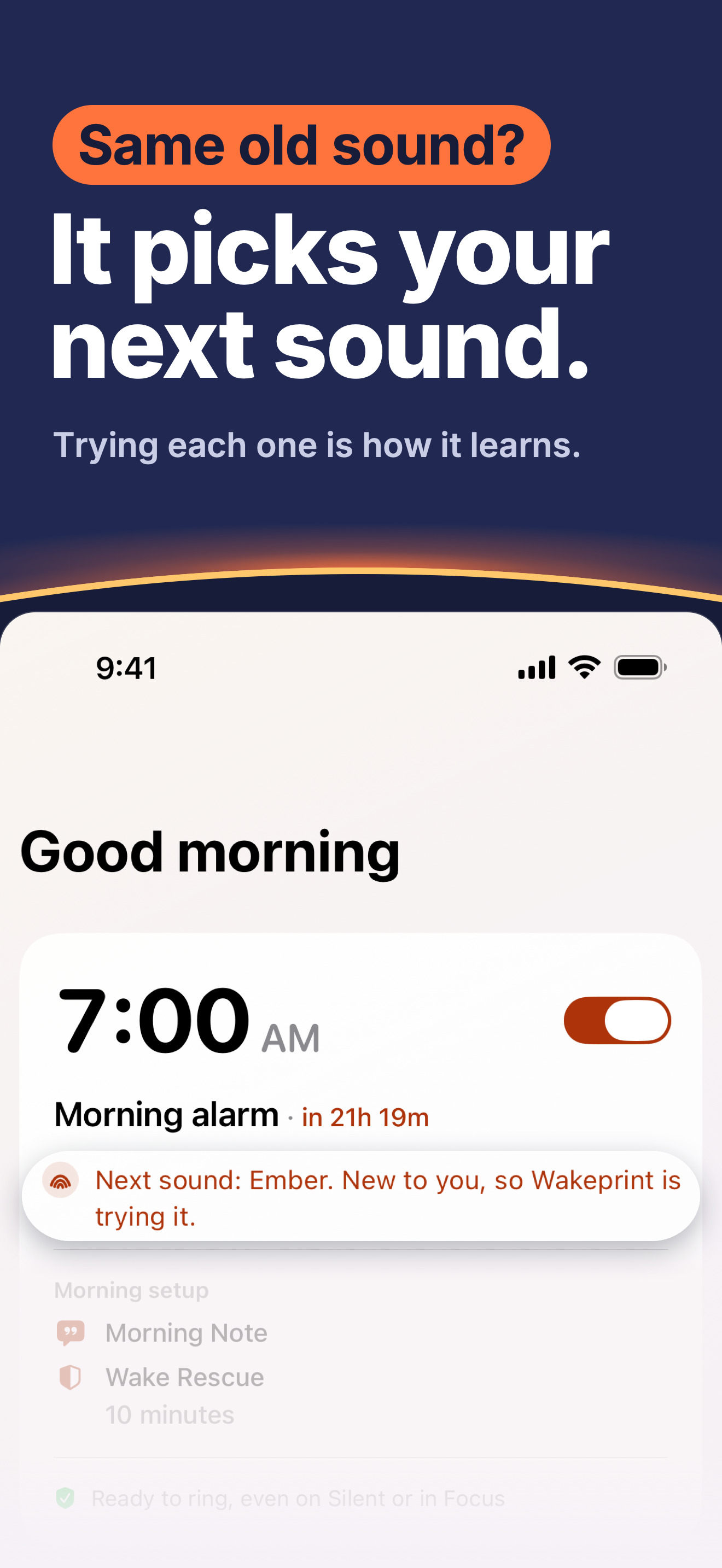
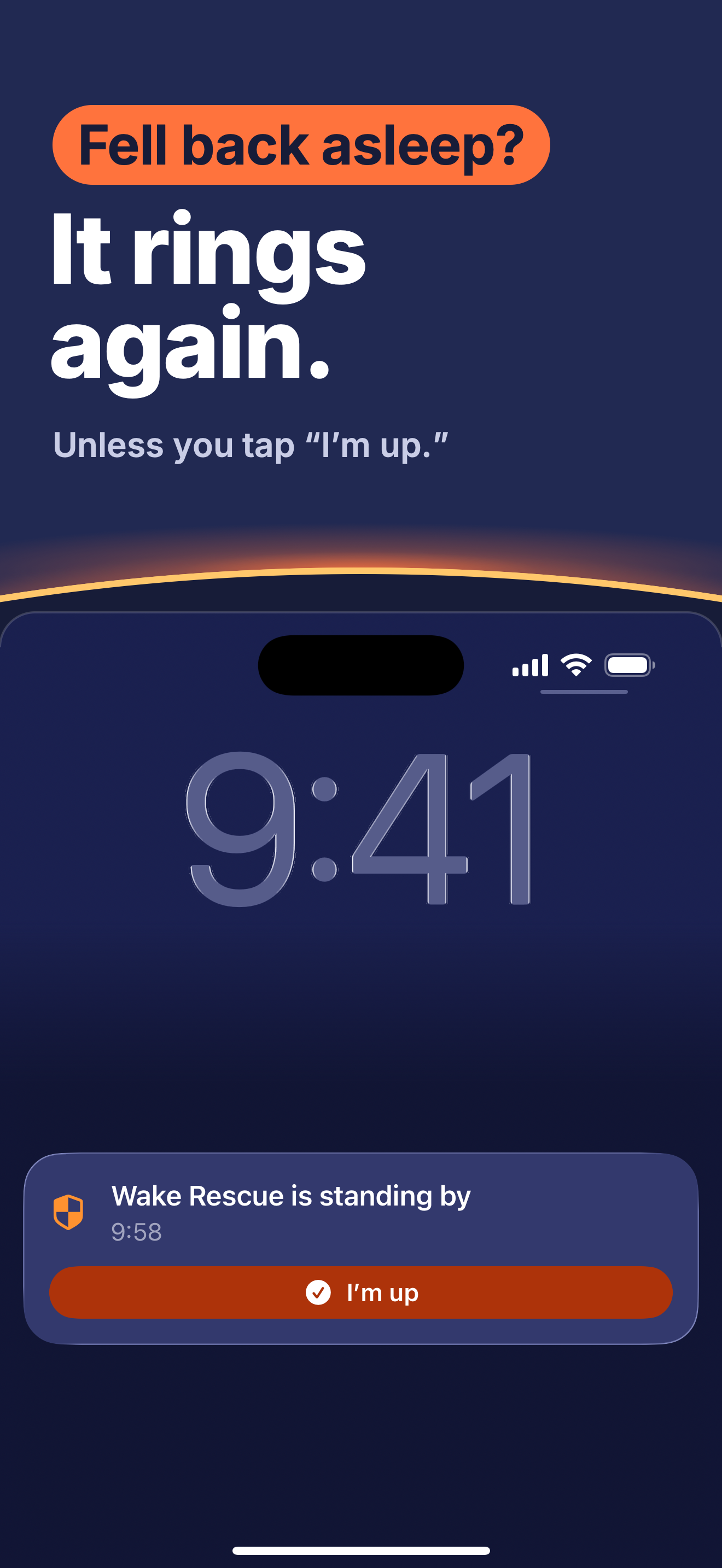
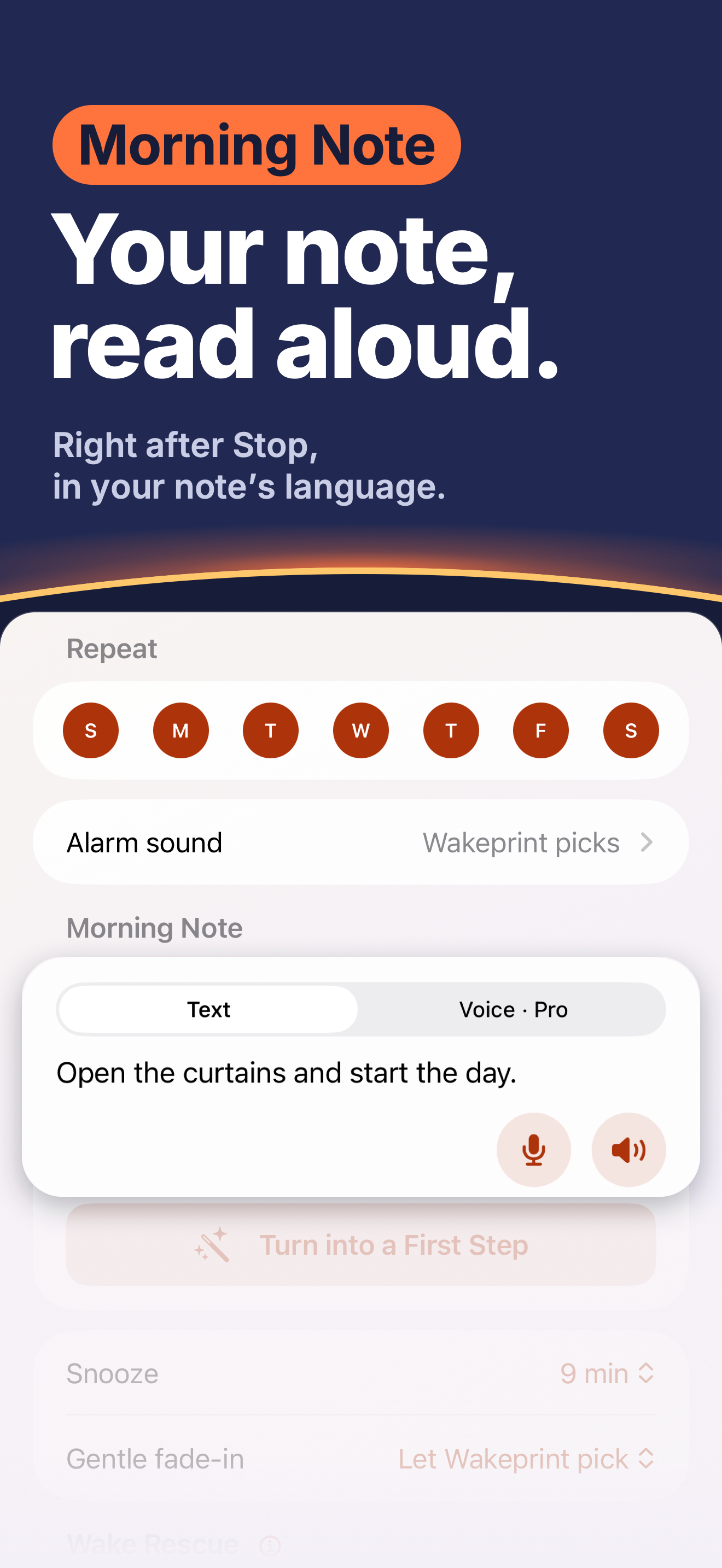
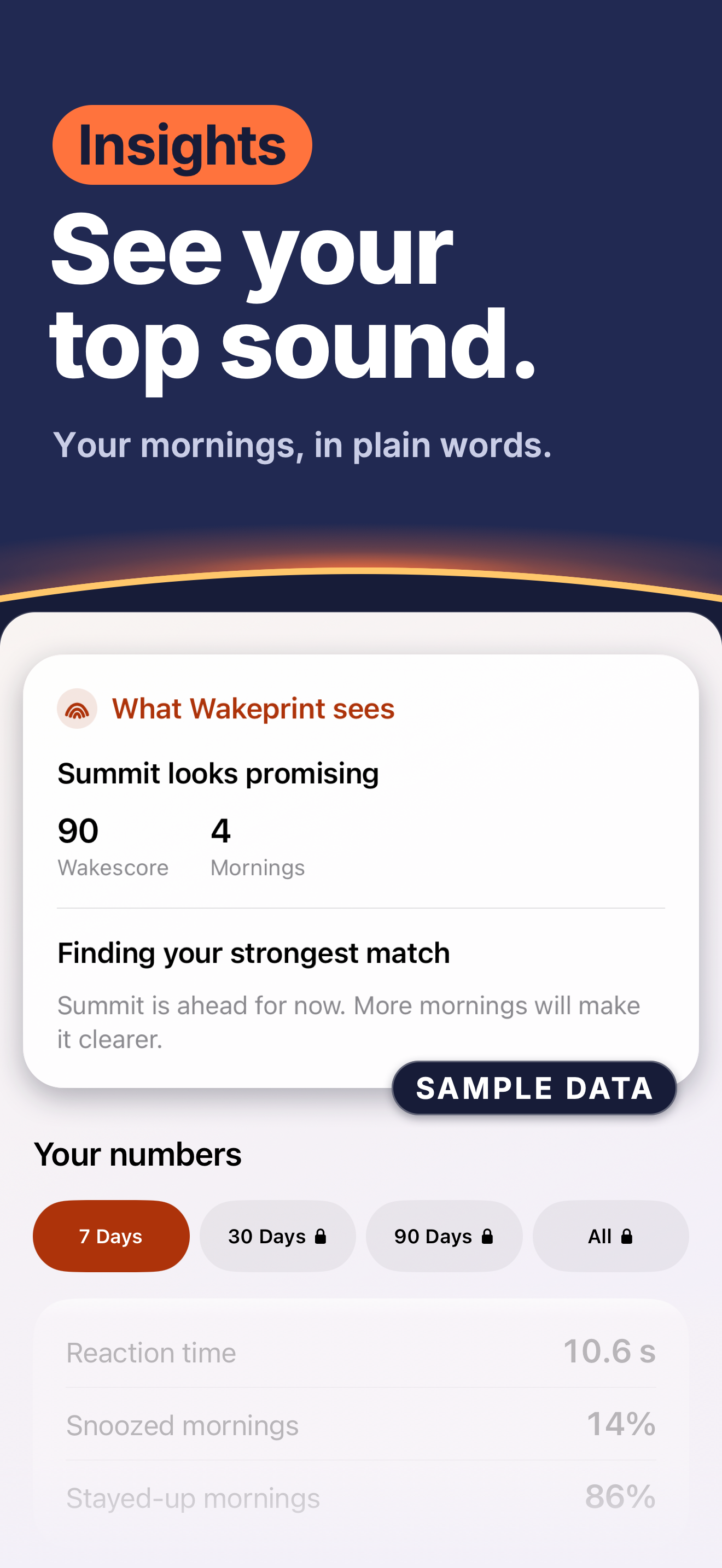
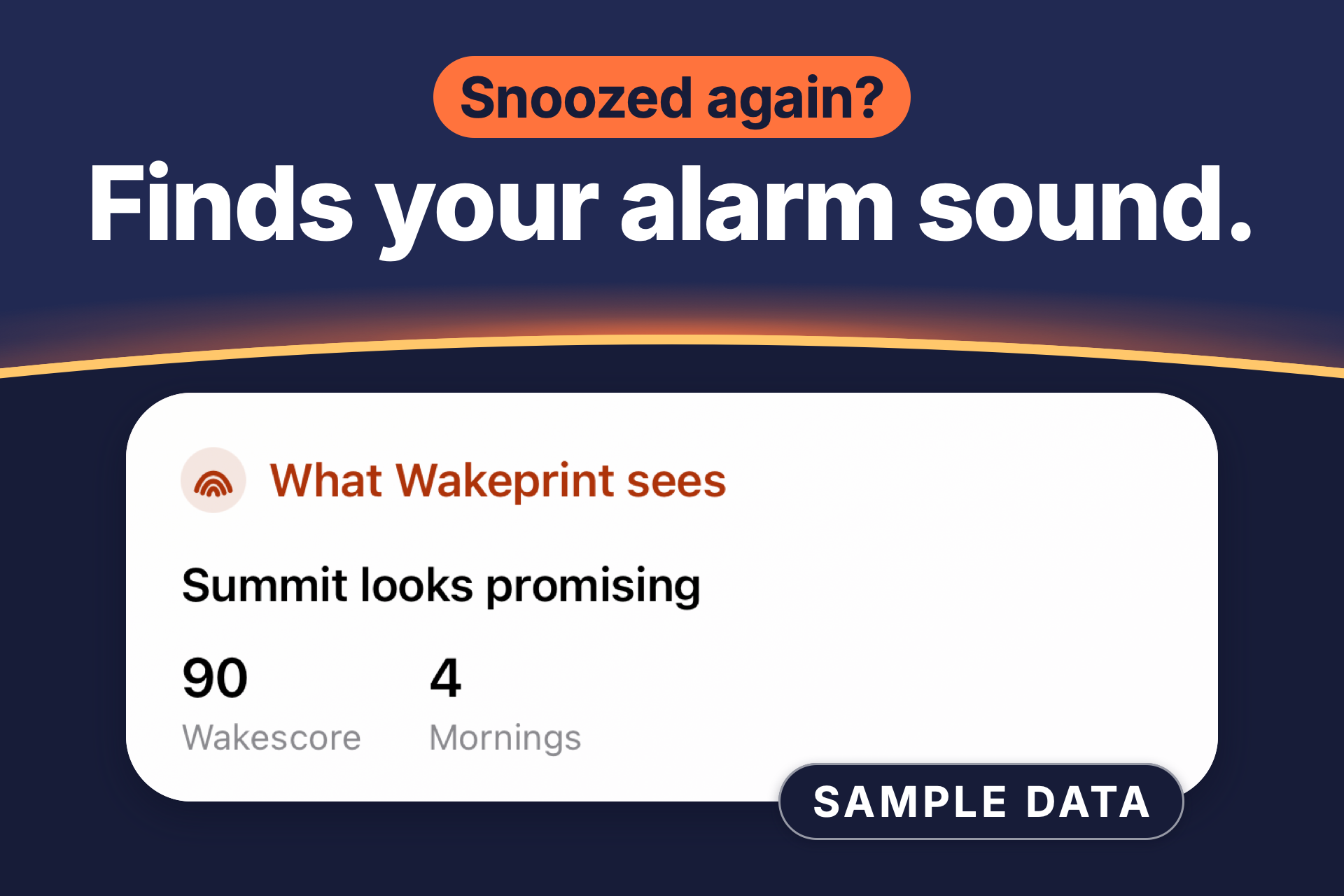
Most alarms play the same sound every morning, month after month. Wakeprint learns which sounds work for you and picks your next one. If you get used to a sound, it gives another sound a turn. After three mornings with a sound, you see its Wakescore. Stopped it and fell back asleep? Turn on Wake Rescue, and a second alarm with a different sound rings a few minutes after you stop the alarm on the Lock Screen, unless you tap “I’m up” there or in Wakeprint. With Wakeprint Pro, Wake Rescue can ring again every 5, 10 or 15 minutes until you tap “I’m up”, for up to an hour, so you can set fewer alarms. Write a Morning Note at night and hear it read aloud right after you stop the alarm. There’s no account and no ads. Your wake-up history is stored on your iPhone, with an optional backup to your own iCloud; limited usage analytics never include your notes, recordings or alarm names, and you can turn them off. Wakeprint doesn’t track your sleep.
In about 50 words
Wakeprint is an iPhone alarm that learns which sounds work for you and picks your next one. It doesn’t track your sleep. Turn on Wake Rescue, and a second alarm with a different sound rings a few minutes after you stop the alarm on the Lock Screen, unless you tap “I’m up”. No account, no ads.
What’s new in 1.0.4
- A guided first run: set your first alarm, try Stop or Snooze, and see how Wakeprint learns from you. A short tour follows, and you can skip any stop.
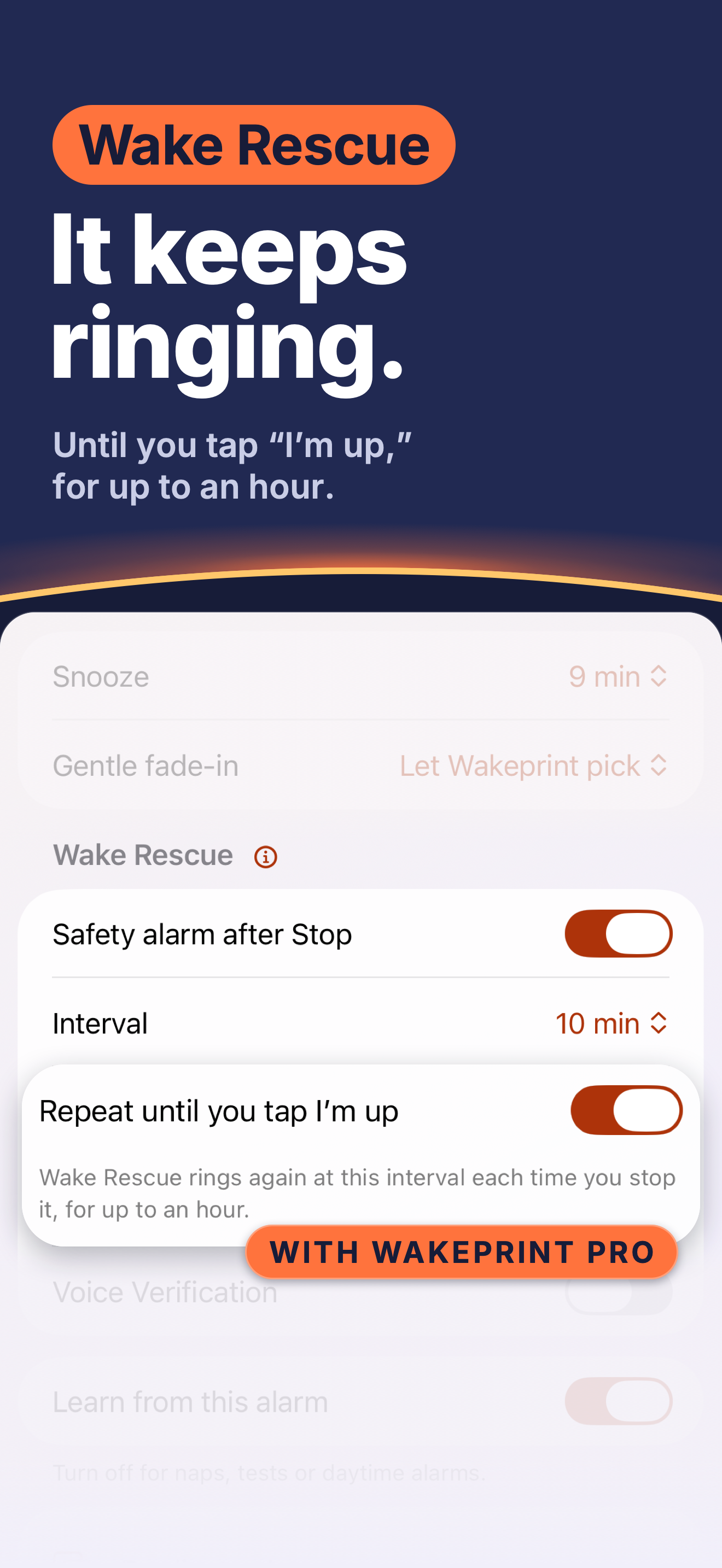
- With Wakeprint Pro, Wake Rescue can ring again every 5, 10 or 15 minutes until you tap “I’m up”, for up to an hour.
- An optional backup to your own iCloud: daily copies of your alarms, notes and wake history, restored on a new iPhone when you choose.
- 13 languages, now with Arabic, Korean, Italian, Dutch, Brazilian Portuguese and Chinese. The App Store page, English only until now, comes in 12 languages.
- Your Morning Note is read aloud in the language you wrote it in.
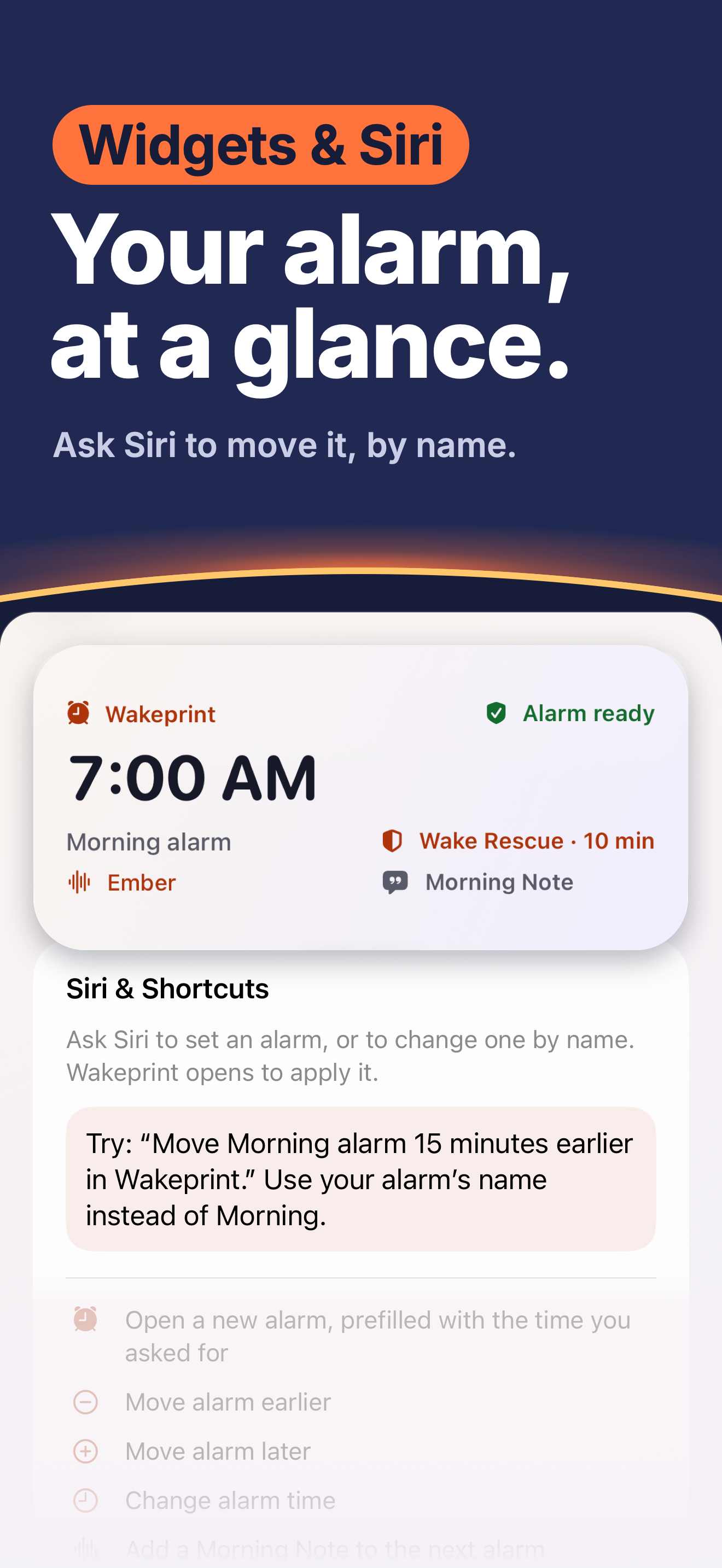
- Ask Siri to move a named alarm earlier, later or to a new time. Siri confirms the day and time.
- One-time alarms follow your local time when you change time zones, like the Clock app.
Key facts
- App
- Wakeprint: Adaptive Alarm
- Developer
- Ahmet Yasin Öztop, an independent developer, Istanbul, Türkiye
- Platform
- iPhone, iOS 26 or later
- Category
- Utilities, Lifestyle
- Releases
- First release September 2, 2026. Version 1.0.4 is out now on the App Store, released October 22, 2026.
- Price
- Free to download. Wakeprint Pro is $5.99 a month or $24.99 a year in the US, with a free trial for new subscribers: 1 week on the monthly plan, 2 weeks on the yearly plan. In other countries, the App Store shows the local price.
- Free
- Unlimited alarms, learning across three sounds, Wakescore, Wake Rescue, Morning Notes, iCloud backup, widgets, Siri and 7-day Insights
- Wakeprint Pro adds
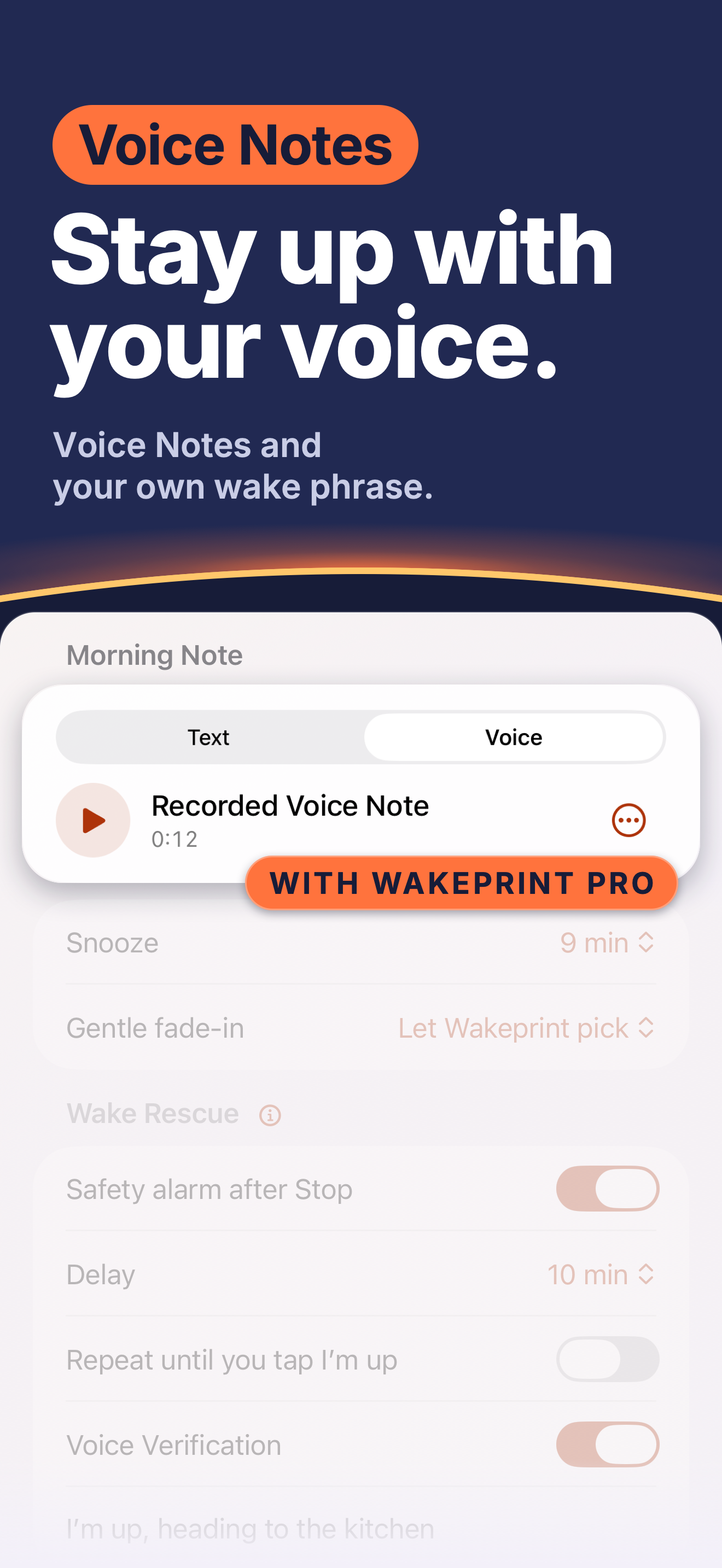
- All 12 sounds plus up to five of your own; Wake Rescue that rings again until you tap “I’m up”, for up to an hour; Voice Notes and Voice Verification, where you say or type your own phrase before “I’m up” cancels Wake Rescue; your full history with 30-day, 90-day and all-time Insights; more Wake-up Analyst questions on supported iPhones
- Languages
- The app comes in 13: English, Arabic, Chinese (Simplified and Traditional), Dutch, French, German, Italian, Japanese, Korean, Portuguese (Brazil), Spanish and Turkish. The App Store page comes in 12: English, Arabic, Chinese (Traditional), Dutch, French, German, Italian, Japanese, Korean, Portuguese (Brazil), Spanish and Turkish.
- What it isn’t
- It doesn’t track your sleep, and it isn’t a health app. It learns which sounds work for you, not how you sleep.
- Links
- App Store · Website · Privacy Policy · Support
App icon

The icon as the App Store shows it, 1024 × 1024 PNG.
Download the app icon
Screenshots and artwork
The App Store’s own images for Wakeprint, in English: nine iPhone screenshots, the product page header and the search results image. Each preview links to its full-size PNG.
iPhone screenshots
1320 × 2868 pixels each, in the order the App Store shows them.
-
 Screenshot 1
PNG, 1.1 MB
Screenshot 1
PNG, 1.1 MB
-
 Screenshot 2
PNG, 1.4 MB
Screenshot 2
PNG, 1.4 MB
-
 Screenshot 3
PNG, 518 KB
Screenshot 3
PNG, 518 KB
-
 Screenshot 4
PNG, 1.1 MB
Screenshot 4
PNG, 1.1 MB
-
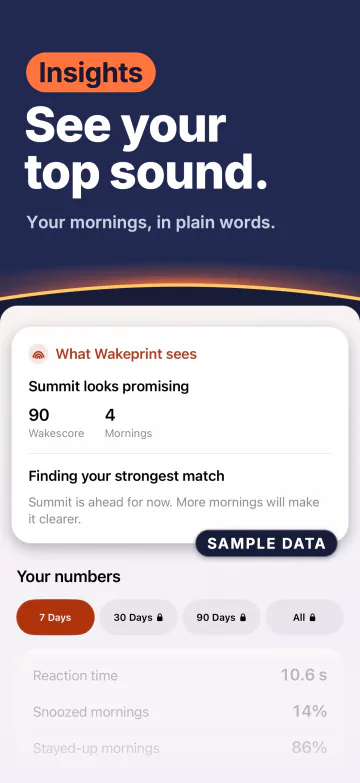 Screenshot 5
PNG, 1.2 MB
Screenshot 5
PNG, 1.2 MB
-
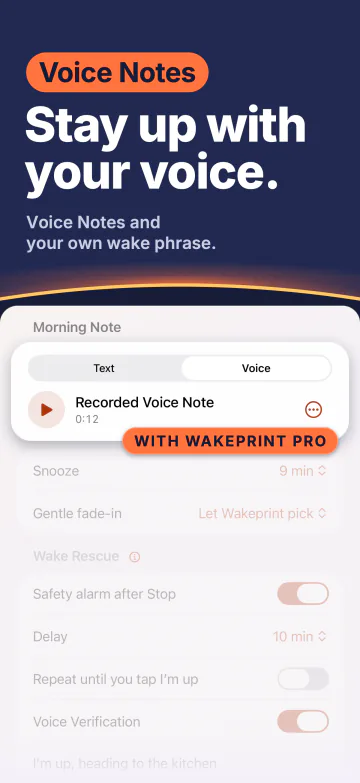 Screenshot 6
PNG, 1.1 MB
Screenshot 6
PNG, 1.1 MB
-
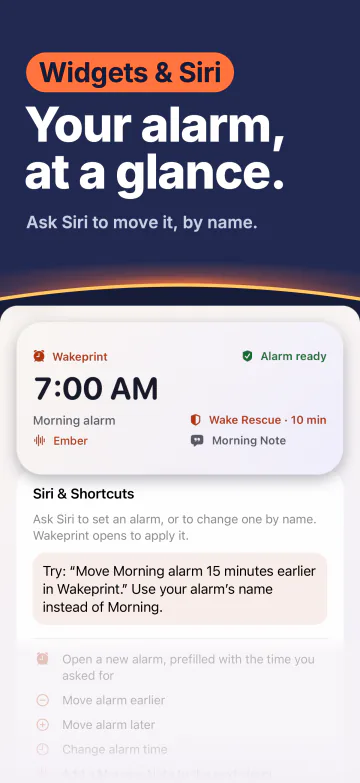 Screenshot 7
PNG, 1.4 MB
Screenshot 7
PNG, 1.4 MB
-
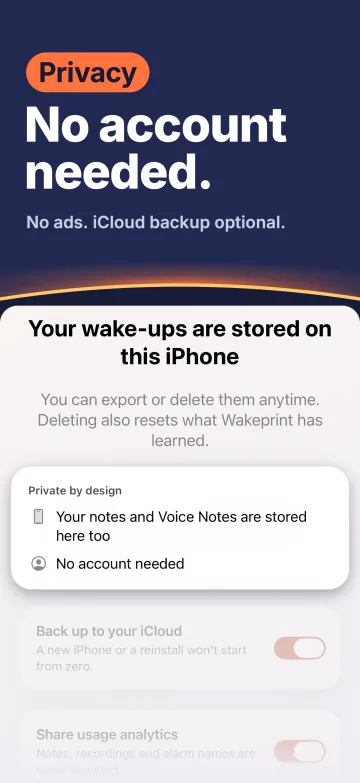 Screenshot 8
PNG, 1.3 MB
Screenshot 8
PNG, 1.3 MB
-
 Screenshot 9
PNG, 1.1 MB
Screenshot 9
PNG, 1.1 MB
Header and search image

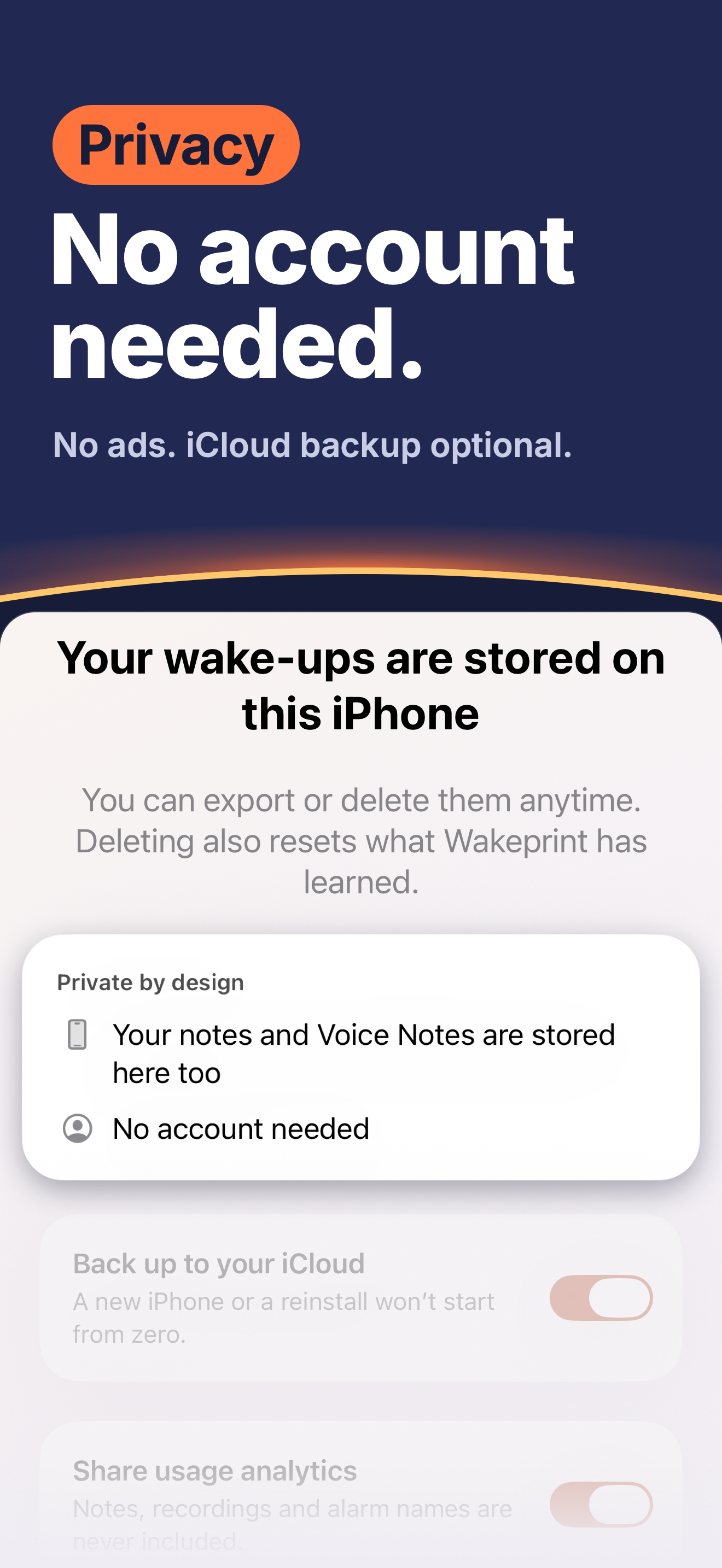
Privacy facts
- No account. You don’t sign up for anything.
- Stored on your iPhone. Alarms, notes, recordings and your wake-up history are stored on your iPhone, with an optional backup to your own iCloud. The backup is kept in your own iCloud, not on a Wakeprint server.
- On-device features. Dictation uses Apple’s on-device speech recognizer. On iPhones with Apple Intelligence, the First Step suggestion is drafted on device.
- Usage analytics you can turn off. Limited usage analytics go to PostHog Cloud in the EU, tied to a random installation identifier. They never include your notes, recordings or alarm names. You can turn them off while you set up Wakeprint or anytime in Settings. Crash and error reports are sent separately, even with usage analytics off, and they carry no installation identifier.
- No ads, no cross-app tracking.
The full policy: Privacy Policy.
A note from the founder
At some point I noticed I had stopped hearing my alarm. It was the same sound every morning, and somewhere along the way I had simply stopped waking up to it. That’s when I realized I needed an alarm that pays attention to how I actually wake up, and that I probably wasn’t the only one.
The usual answer is to make the alarm harder to turn off. That never felt right to me. So I built Wakeprint on my own: first as the alarm I wanted for myself, then for anyone who has slept through theirs.
I’m open to every comment, criticism and idea. I’d love to hear what you think.
Contact
Press and review access: press@wakeprint.app
Wakeprint Pro codes for reviews are available on request.