How it works
Wakeprint is an alarm app for iPhone that learns which sounds work for you and picks your next one. It doesn’t track your sleep.

Alarm sound
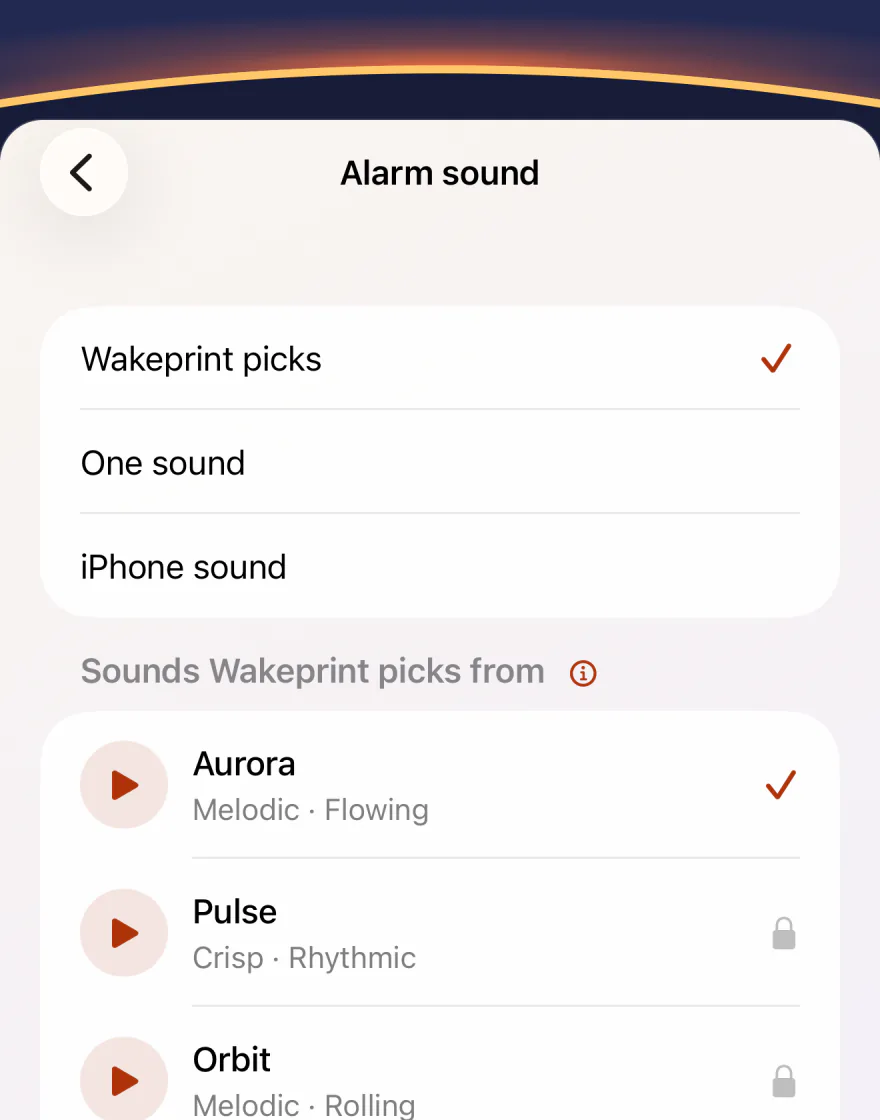
Wakeprint picks, or you do.
Each alarm has three choices: “Wakeprint picks”, “One sound” and “iPhone sound”.
On the free plan, Wakeprint picks from three sounds. With Pro, from all 12, plus up to five of your own.
Switch a sound off in the Sound Library, and Wakeprint won’t pick it.
Wakescore
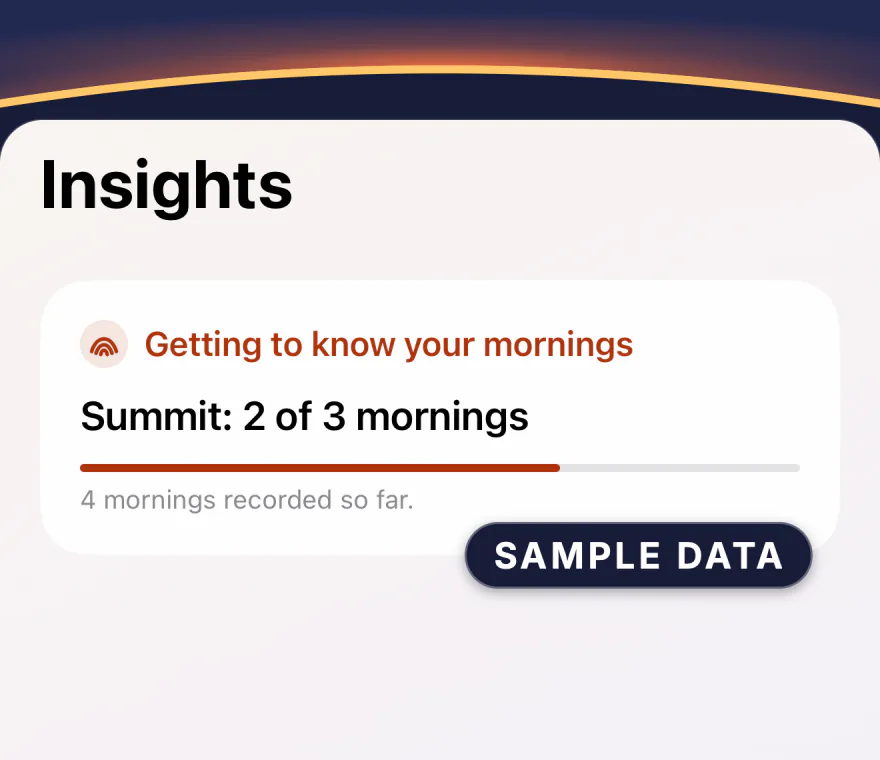
Three mornings per sound.
Then you see its Wakescore, from 0 to 100.
Until then, Insights counts the mornings: “Summit: 2 of 3 mornings”.
To compare two sounds, the free plan needs three mornings with each in the last 7 days. Pro can also look back 30 or 90 days, or over all your mornings.
A morning counts when you stop the alarm on the Lock Screen. For naps or tests, turn off “Learn from this alarm”.
Wake Rescue
Stop starts a countdown.
Tap “I’m up” before it ends.
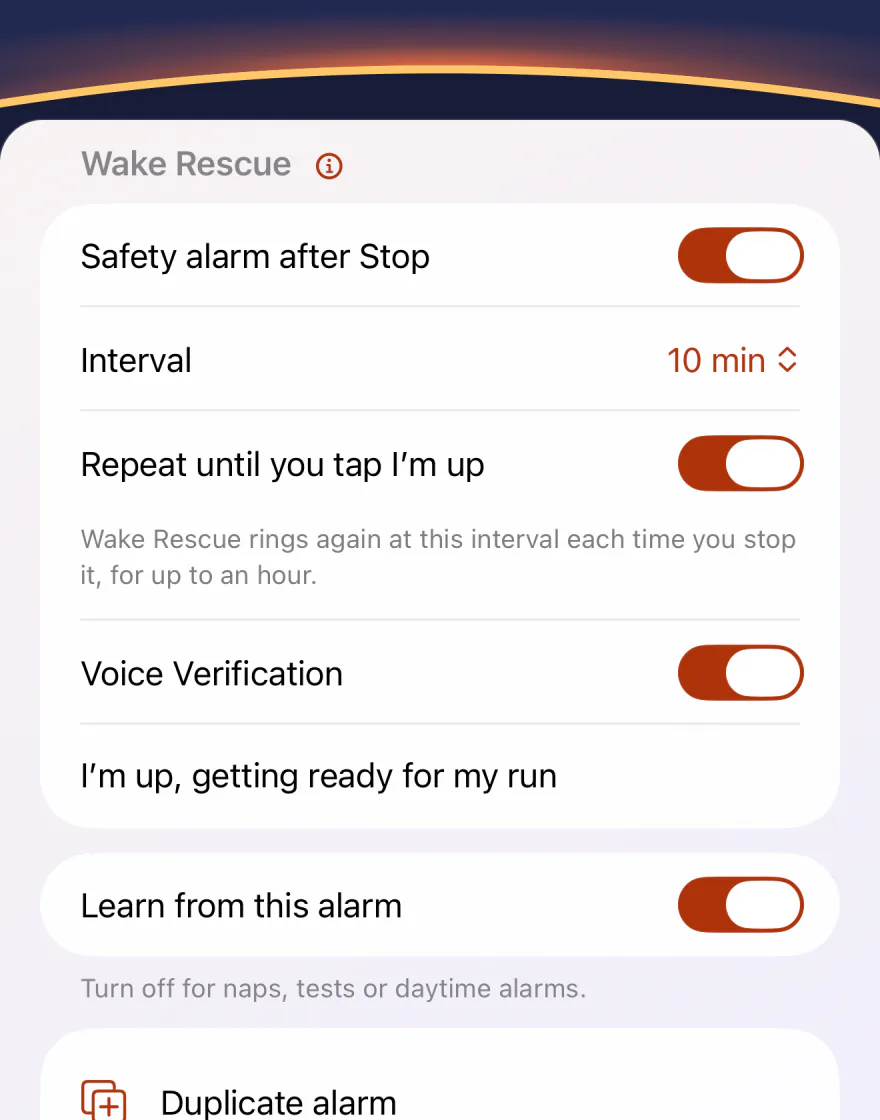
- In the alarm, turn on Wake Rescue and choose 5, 10 or 15 minutes.
- Stop the alarm on the Lock Screen. The countdown starts.
- Tap “I’m up” on the Lock Screen, in the Dynamic Island or on Today.
- If you don’t, it rings with a different sound.
Free
Rings once.
With Wakeprint Pro
Turn on “Repeat until you tap I’m up”: each time you stop it, it rings again after the same minutes, for up to an hour. That’s at most 12 rings at 5 minutes, 6 at 10 or 4 at 15.
If another of your alarms is due first, Wake Rescue stays quiet.
Voice Verification With Wakeprint Pro
Say your phrase, or type it.
With Voice Verification on, Wake Rescue waits for your wake phrase.
- Under Wake Rescue, turn on Voice Verification and write your wake phrase.
- When you tap “I’m up”, say the phrase or type it.
- A match cancels Wake Rescue. Until then, it stays set.
- After two tries that don’t match, “Skip verification” appears.
Voice Verification needs microphone and speech-recognition access, and the voice check isn’t available in every language. Without Pro, “I’m up” cancels Wake Rescue right away.
“I’m up, getting ready for my run”
Morning Note & Voice Note
Write it, dictate it, or record it.
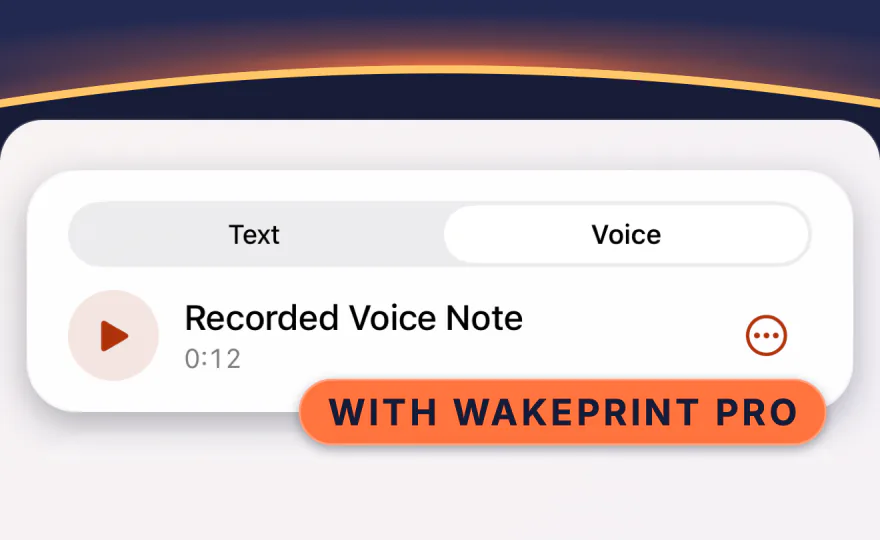
A written note is free; a Voice Note comes with Pro.
Type or dictate a Morning Note in the alarm, then tap Preview to hear it.
It’s read in the language you wrote it in if your iPhone has a voice for it, and otherwise in the app’s language.
Record a Voice Note of up to 30 seconds, or choose an audio file.
On iPhones with Apple Intelligence, Wakeprint can turn a written note into one First Step. You approve it before it’s saved.
Widgets & Siri
See it at a glance. Change it with Siri.
Widgets. Next Alarm and Specific Alarm, on the Home Screen and the Lock Screen.
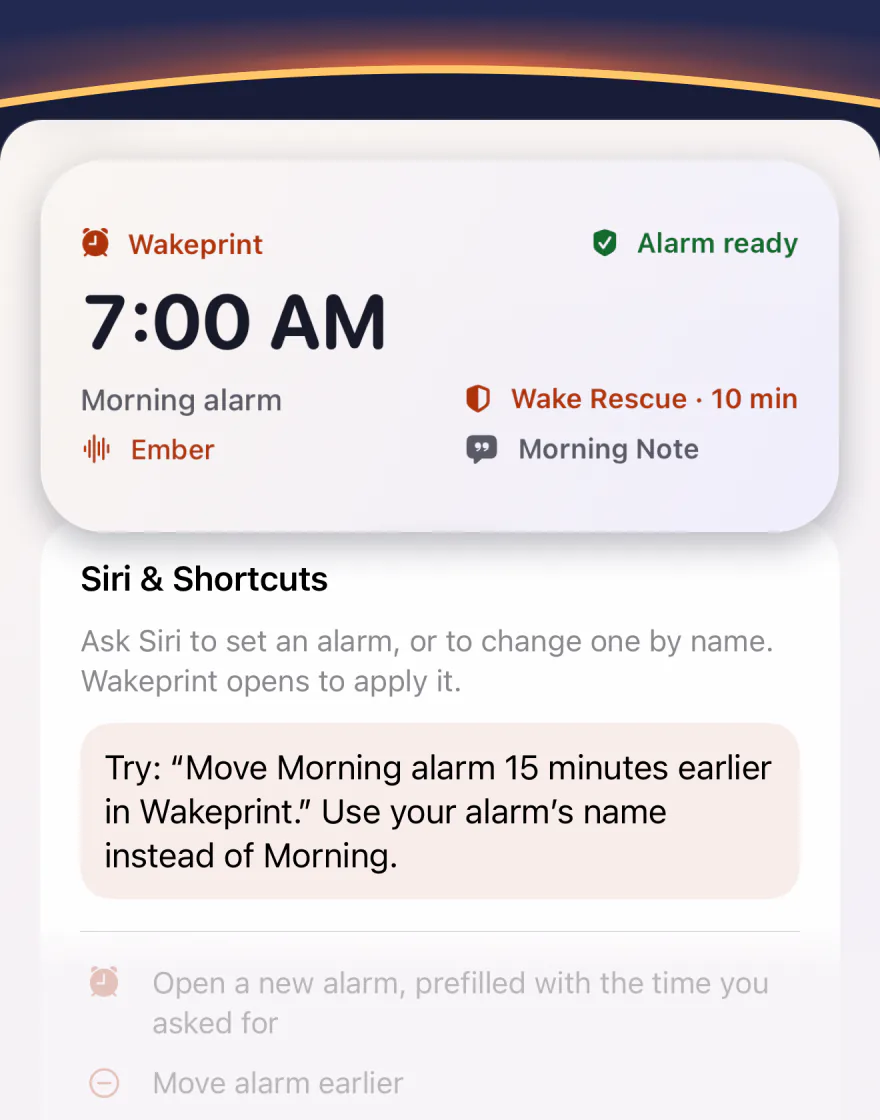
Siri. Ask Siri to set an alarm, or to change one by name: earlier, later or to a new time. Wakeprint opens to apply it.
Silent Mode. Once you allow alarm access, your alarms ring in Silent Mode and Focus.
Gentle fade-in. 10, 20 or 30 seconds, or let Wakeprint pick. Not with the iPhone sound.
Data & privacy
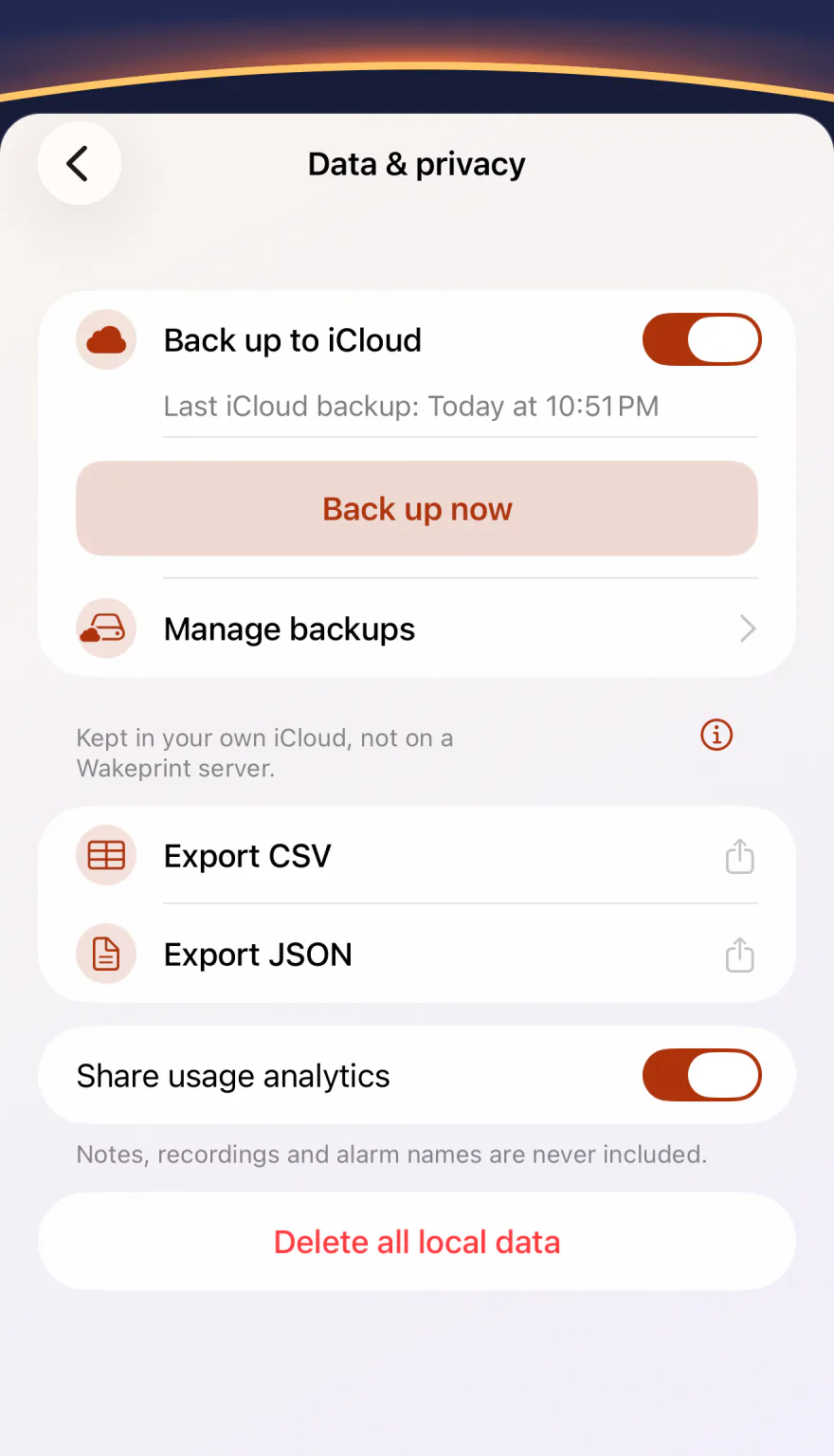
Your choices, on one screen.
All in Settings › Data & privacy.
Back up to iCloud. A copy in your own iCloud, not on a Wakeprint server: up to seven daily copies per iPhone. Restored alarms arrive switched off.
Usage analytics, on by default, help improve Wakeprint. They include limited alarm-reaction metrics but never your notes, recordings or alarm names, and you can turn them off while you set up Wakeprint or anytime in Settings.
Export CSV or Export JSON to take your history with you, or Delete all local data.
Dictation and Voice Verification recognize speech on your iPhone. The audio isn’t saved.
Facts
- What it is
- Wakeprint is an alarm app for iPhone that learns which sounds work for you and picks your next one. It doesn’t track your sleep.
- Platform
- iPhone with iOS 26 or later.
- Price
- Free to download, with unlimited alarms, learning across three sounds, Wake Rescue and Morning Notes. Wakeprint Pro is an optional subscription: $5.99 a month or $24.99 a year in the US. Prices vary by country.
- Languages
- 13 languages: English, Arabic, Chinese (Simplified and Traditional), Dutch, French, German, Italian, Japanese, Korean, Portuguese (Brazil), Spanish and Turkish.
- Privacy
No account needed. Your wake-up history is saved on your iPhone and, if you choose, in your own iCloud. No ads, no cross-app tracking.
Usage analytics, on by default, help improve Wakeprint. They include limited alarm-reaction metrics but never your notes, recordings or alarm names, and you can turn them off while you set up Wakeprint or anytime in Settings.
- App Store
- apps.apple.com/app/id6804018809
Free and Pro, side by side.
In the US, Wakeprint Pro is $5.99 a month or $24.99 a year (about $2.08 a month). Prices vary by country.
Free
- Unlimited alarms
- Learning across three sounds
- Wake Rescue
- Morning Notes
- 7-day Insights
- iCloud backup, widgets and Siri
Wakeprint Pro
- All 12 sounds, plus up to five of your own
- Wake Rescue that rings again until you tap “I’m up”, for up to an hour
- Voice Notes and Voice Verification
- Your full history, with 30-day, 90-day and all-time Insights
- Wake-up Analyst: more topics and your own questions about your mornings, on iPhones with Apple Intelligence